AI tools can help you understand hard topics, plan your study and improve your writing. But there are so many that students end up confused. This guide picks ten tools that offer a free plan, explains what each is good for, and shows how to use them honestly. Free plans and limits change often, so check each tool’s own website for the current details.
Golden rule: use AI to learn, not to replace your own thinking. Follow your school or university’s rules about AI, and never submit AI-written work as your own where that is not allowed.
🎓 Tools help, but skills last. If you want to build real, job-ready skills with guided projects, see the courses at Tech Pulse.
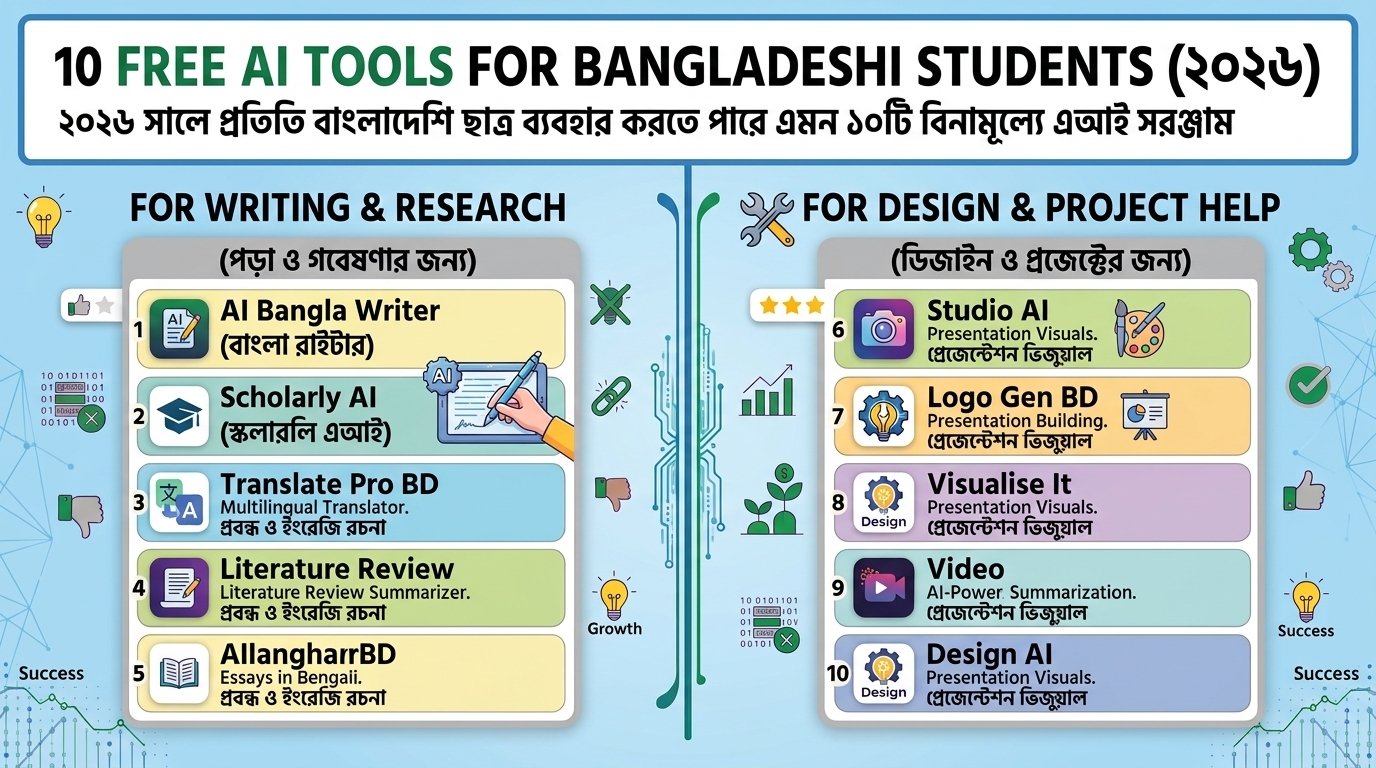
Quick overview
| # | Tool | Best for |
|---|---|---|
| 1 | ChatGPT | Explaining topics, practice questions |
| 2 | Google Gemini | Explanations, Google account integration |
| 3 | Claude | Reading and summarising long text, careful writing feedback |
| 4 | Microsoft Copilot | Quick answers, Microsoft apps |
| 5 | Perplexity | Research with cited sources |
| 6 | NotebookLM | Studying from your own notes and PDFs |
| 7 | Grammarly | Grammar and clarity checks |
| 8 | QuillBot | Paraphrasing practice and summaries |
| 9 | Canva | Presentations and posters |
| 10 | Duolingo | Daily language practice |
The ten tools in detail
1. ChatGPT
Use it for: asking it to explain a concept in simple words, making practice questions, or checking your understanding.
Watch out: it can state wrong information with confidence. Verify facts with your textbook.
2. Google Gemini
Use it for: explanations, brainstorming and study plans, especially if you already use Google services.
Watch out: double-check numbers, dates and quotes.
3. Claude
Use it for: summarising long articles you provide, getting feedback on your own draft, and understanding difficult passages.
Watch out: free usage limits apply and may change.
4. Microsoft Copilot
Use it for: quick answers and help inside Microsoft tools such as Edge or Office, depending on your plan.
5. Perplexity
Use it for: finding sources fast. Answers include links, so you can open and read the original page.
Watch out: still read the source yourself before citing it.
6. NotebookLM
Use it for: uploading your own notes or PDFs and asking questions about them, so answers stay close to your material.
7. Grammarly
Use it for: catching grammar, spelling and clarity problems in English writing. Learn from each correction instead of accepting everything.
8. QuillBot
Use it for: seeing different ways to express an idea and summarising text. Use it for learning, and never to disguise copied work.
9. Canva
Use it for: school presentations, posters and infographics. Some features need a paid plan, and students or schools may have special offers.
10. Duolingo
Use it for: ten minutes of daily practice in a new language, which builds a habit.
A simple study workflow with AI
- Read first: try the lesson yourself before asking AI.
- Ask for an explanation: “Explain this in simple words with one example.”
- Test yourself: “Ask me five questions on this topic, one at a time.”
- Write in your own words: then ask for feedback, not a rewrite.
- Verify: check key facts against your textbook or official sources.
💡 Copy-paste prompts to try
- “Explain [topic] as if I am in Class 9, then give me one real-life example.”
- “Ask me five multiple-choice questions on [topic]. Wait for my answer after each.”
- “Here is my paragraph. Point out unclear sentences but do not rewrite them.”
- “Make a 7-day revision plan for [subject] with 1 hour per day.”
Do and don’t
| ✅ Do | ❌ Don’t |
|---|---|
| Use AI to understand and practise | Submit AI text as your own work |
| Check facts in trusted sources | Trust every answer without checking |
| Follow your institution’s AI policy | Share private information or passwords |
| Ask for feedback on your own writing | Copy sources without citing them |
🎯 Quiz: pick the right tool
Which tool fits this need: “I want to ask questions about my own lecture PDF”?
👉 Reveal the answer
NotebookLM, because it works from your uploaded notes. Perplexity is better when you need to find new sources on the web.
FAQ
Are these tools really free?
They offer free plans, usually with limits on usage or features. Plans change, so check each website.
Is it cheating to use AI for study?
Using AI to learn and practise is usually fine. Using it to produce work you submit as your own can be against the rules. Always follow your teacher’s or institution’s policy.
Which one should I start with?
Start with one general assistant (ChatGPT, Gemini or Claude) and one for sources (Perplexity). Add others only when you have a clear need.
Related reading
- গ্রাফিক ডিজাইনে AI টুল ব্যবহারের উপায়
- সেরা ফ্রি গ্রাফিক ডিজাইন টুল
- ফ্রিল্যান্সিং শুরু করার ৩০ দিনের প্ল্যান
🚀 Turn learning into skills clients and employers value. Check the project-based courses at Tech Pulse.
About the author: Reza is a freelance graphic and web designer based in Dhaka who teaches design and online skills at Tech Pulse.